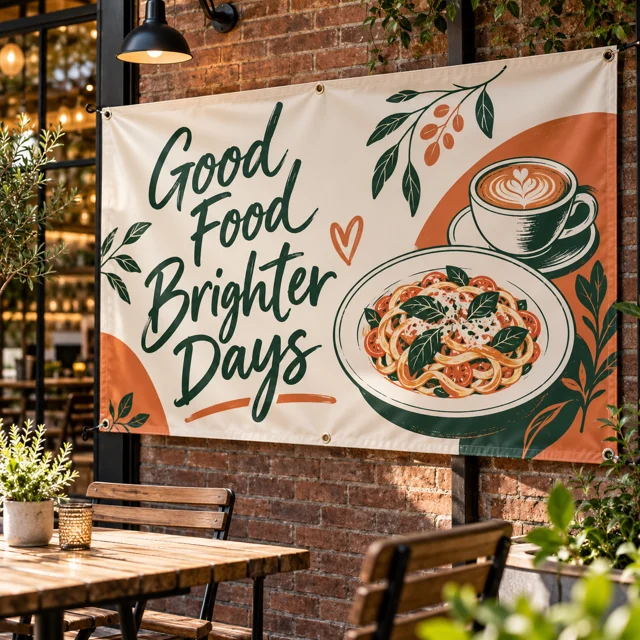
A focused menu or special
Vinyl Banner
Prioritize top items, prices and one clear ordering instruction.
Choose sizes & see pricing ↗ My accountCart
Make the menu readable from the queue, the ordering point obvious and your team easy to recognize. Separate the large menu message from the small branding details on takeout packaging.
Need a hand? (325) 241-2399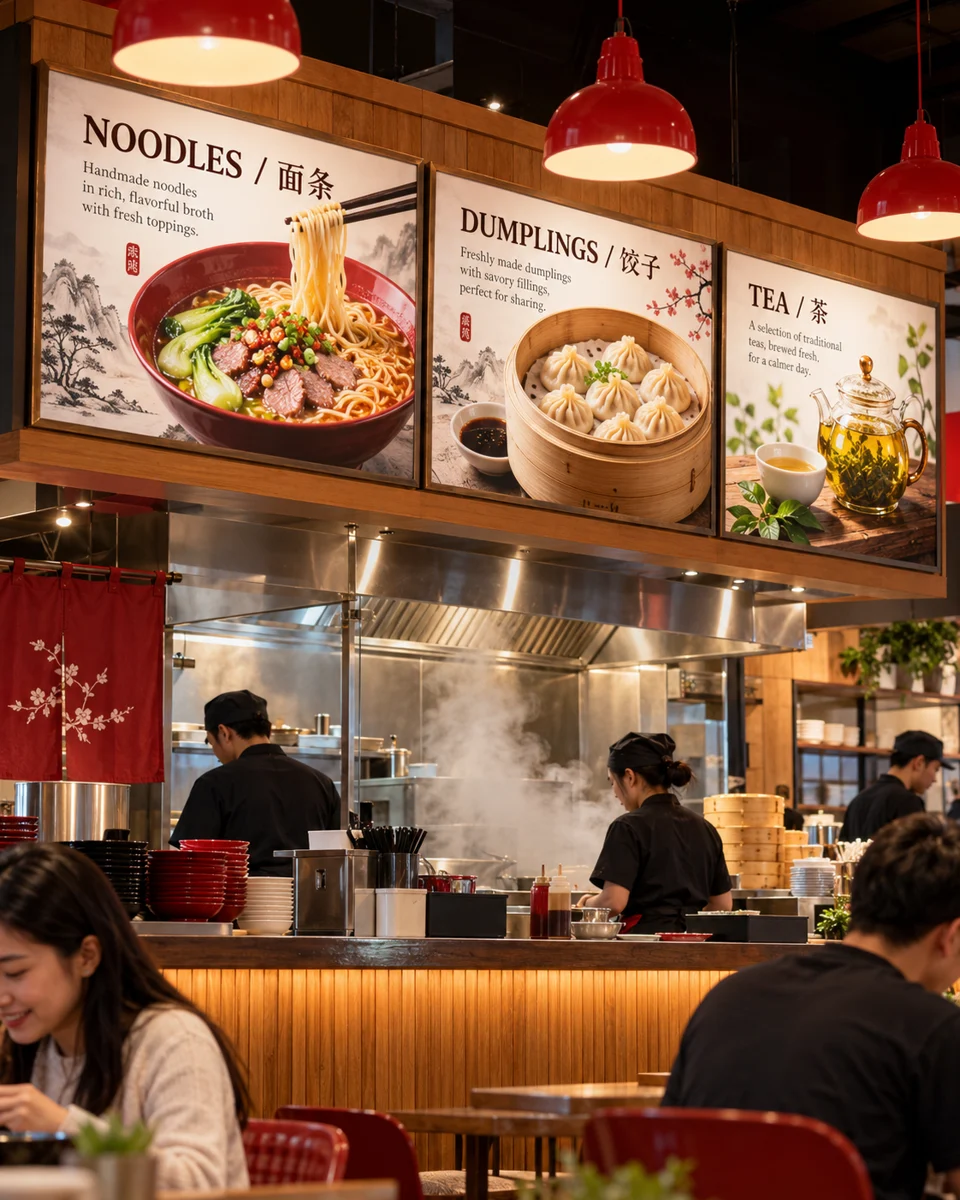
Open the product to choose the available dimensions, options and current price. Each item is sold separately.
Prioritize top items, prices and one clear ordering instruction.
Choose sizes & see pricing ↗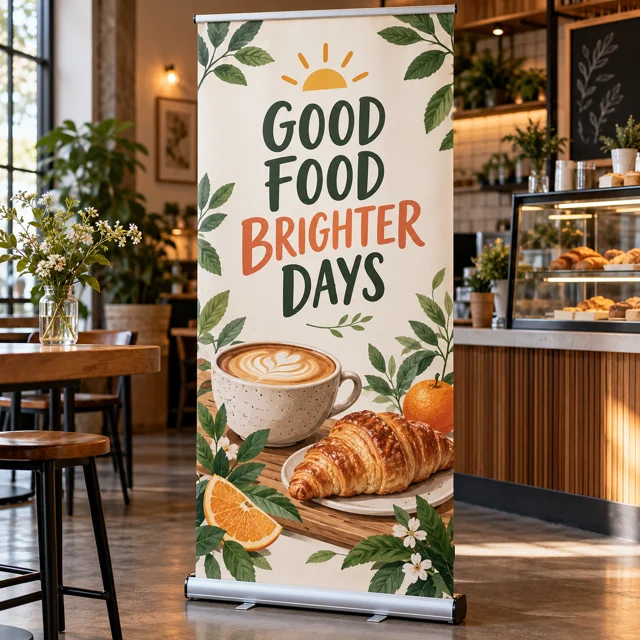
Check the display’s intended use and the venue’s placement rules.
Choose sizes & see pricing ↗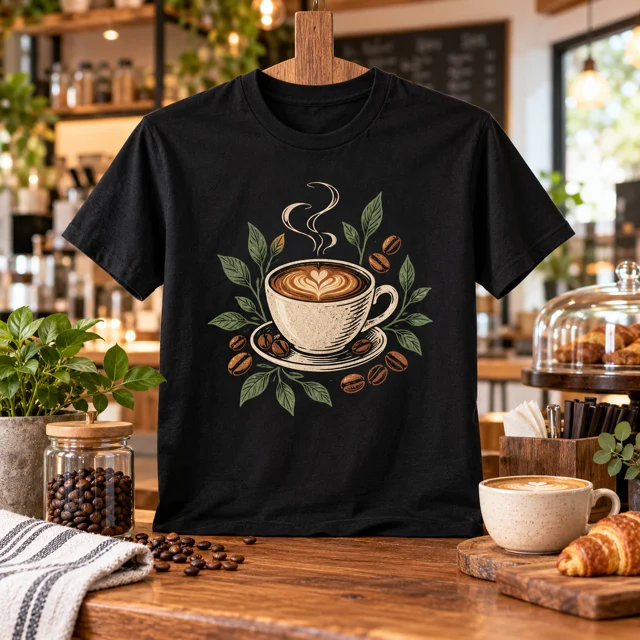
Choose each staff member’s actual size.
Choose sizes & see pricing ↗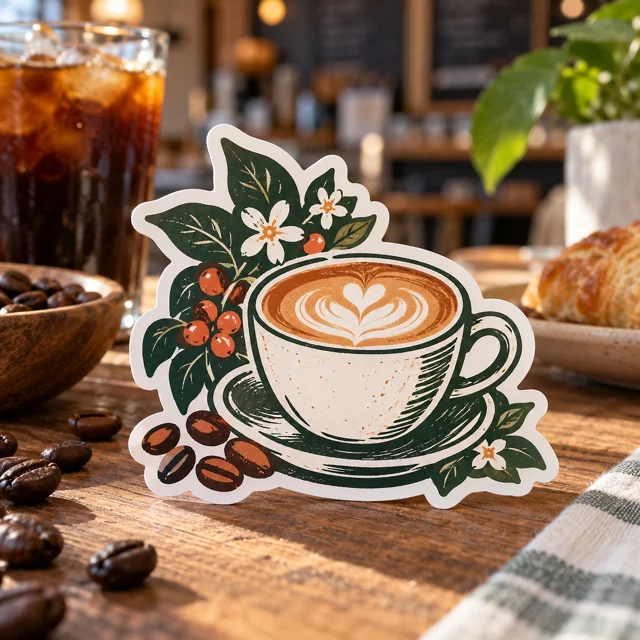
Use only where the material is suitable; food-contact suitability is not claimed.
Choose sizes & see pricing ↗Compare the use before choosing sizes and current pricing.
| What you need | Start with | Check before ordering |
|---|---|---|
| Customers need to read from the queue | Vinyl Banner ↗ | Use fewer items and larger type. |
| Customers need to recognize staff | Custom Unisex T-Shirt ↗ | Keep the team logo visible on the chosen shirt color. |
| Takeout packages need your identity | Die-Cut Sticker ↗ | Use an exterior label without hiding required information. |
Check item names, prices, availability and any offer restrictions.
View the menu layout from the expected queue distance before export.
Confirm space and placement rules with the market or event organizer.
Use the distance-readable banner for the main choices and prices. Put long customization lists on a closer menu or your own ordering page. If you include a QR code, test a printed sample at the actual size and make sure the destination is current.
Read the practical print guide ↗Adjust this example to make your own checklist. Nothing is added to your cart until you choose a product and order it.
Food, containers and truck equipment are not included. Verify venue placement before ordering.
Planning only: no price, reserved stock or promised delivery date. A line’s quantity counts that product’s units (for example, transfer pieces or shirts). Enter separate size/color lines on the product page. Eligible quantity discounts are confirmed in the cart by garment model; they are not calculated from this mixed-product total.Same-day production is available for paid, print-ready orders before 2 PM Central Time on business days, excluding holidays and shop closures. Shipping time is additional. An order needing corrected artwork cannot begin production until usable files arrive. Review the carrier options in checkout or choose Houston pickup and wait for your ready message.
Shipping & pickup details ↗The photos illustrate possible uses; props and example artwork are not included with a standard product. Upload your own artwork or choose a design offered in the product’s approved design library. Review the placement and print dimensions before ordering.
See our printing specifications and file preparation guide. Your available upload formats and print options appear in the product editor. After ordering, use My account & orders to check your order.
Choose the product, set your options and bring your own artwork.
Start my order ↗Ask our Houston team ↗