Fabric craft designs
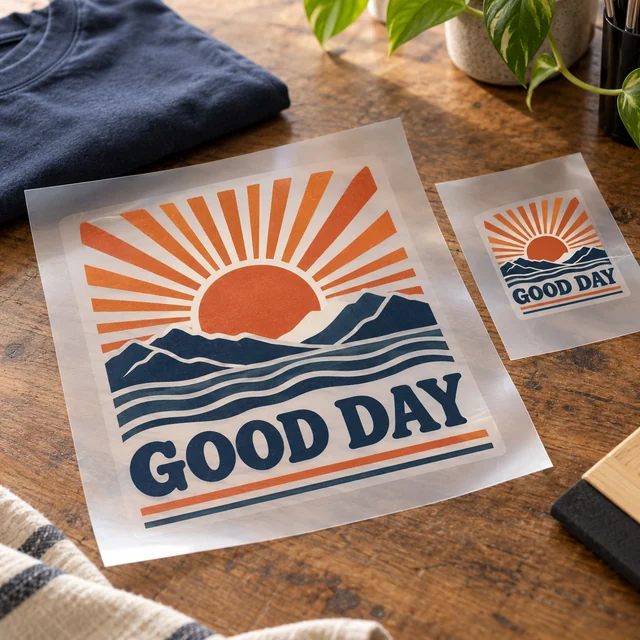
DTF Transfer
Use suitable blanks and a heat press for the garment application.
Choose sizes & see pricing ↗ My accountCart
Plan both the products you make and the display that helps people understand them. Select transfers for your own blanks, then add a banner or packaging stickers only if your setup needs them.
Need a hand? (325) 241-2399
Open the product to choose the available dimensions, options and current price. Each item is sold separately.
Use suitable blanks and a heat press for the garment application.
Choose sizes & see pricing ↗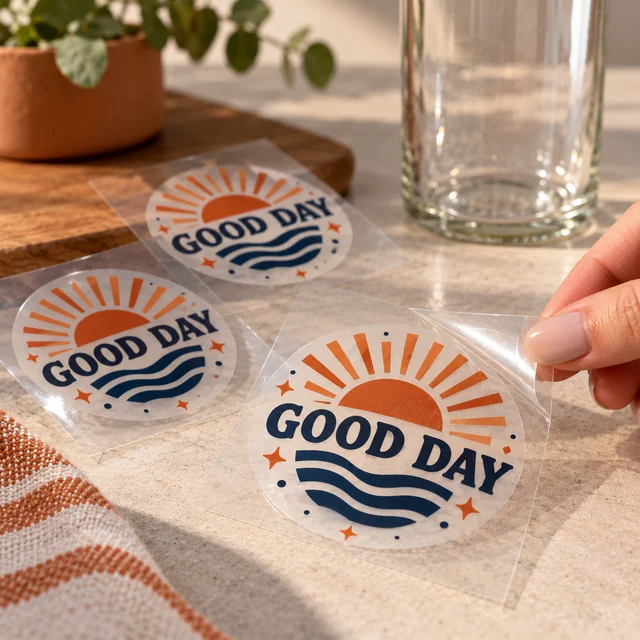
Keep the transfer process separate from the fabric work.
Choose sizes & see pricing ↗
Measure the display space and keep prices or product names easy to read.
Choose sizes & see pricing ↗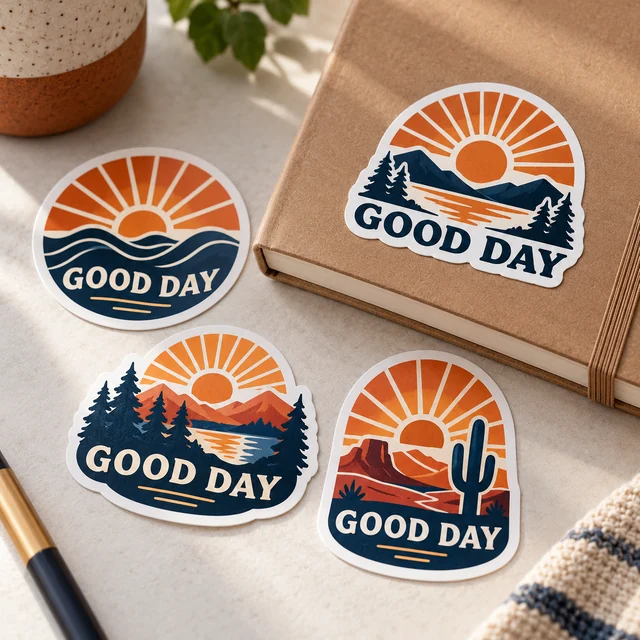
Match the sticker size to the package rather than the product photo.
Choose sizes & see pricing ↗List sale items, packaging needs and display pieces as separate groups.
Count the copies of each original design and keep small details readable.
Measure your booth space before selecting the banner size.
No. Every product is ordered separately. Start with what you need to make or display, compare the available options on that product page and add only those items. The example plan is editable and does not add anything to your cart.
Read the practical print guide ↗Adjust this example to make your own checklist. Nothing is added to your cart until you choose a product and order it.
Check your table frontage and the venue’s display rules before ordering the example banner.
Planning only: no price, reserved stock or promised delivery date. A line’s quantity counts that product’s units (for example, transfer pieces or shirts). Enter separate size/color lines on the product page. Eligible quantity discounts are confirmed in the cart by garment model; they are not calculated from this mixed-product total.Same-day production is available for paid, print-ready orders before 2 PM Central Time on business days, excluding holidays and shop closures. Shipping time is additional. An order needing corrected artwork cannot begin production until usable files arrive. Review the carrier options in checkout or choose Houston pickup and wait for your ready message.
Shipping & pickup details ↗The photos illustrate possible uses; props and example artwork are not included with a standard product. Upload your own artwork or choose a design offered in the product’s approved design library. Review the placement and print dimensions before ordering.
See our printing specifications and file preparation guide. Your available upload formats and print options appear in the product editor. After ordering, use My account & orders to check your order.
Choose the product, set your options and bring your own artwork.
Start my order ↗Ask our Houston team ↗