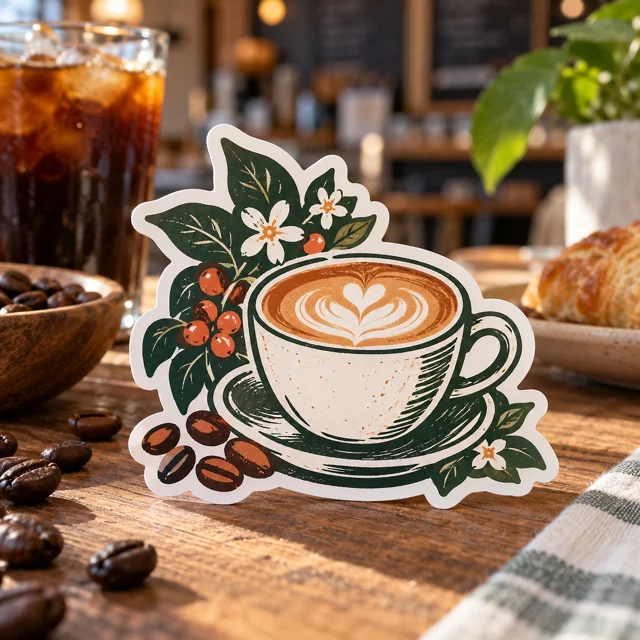
Exterior bakery box branding
Die-Cut Sticker
Measure the usable label area with the box fully assembled.
Choose sizes & see pricing ↗ My accountCart
Bring your bakery identity to the counter, a seasonal pickup event and the outside of your pastry boxes. Plan the small package label separately from the larger message customers read before ordering.
Need a hand? (325) 241-2399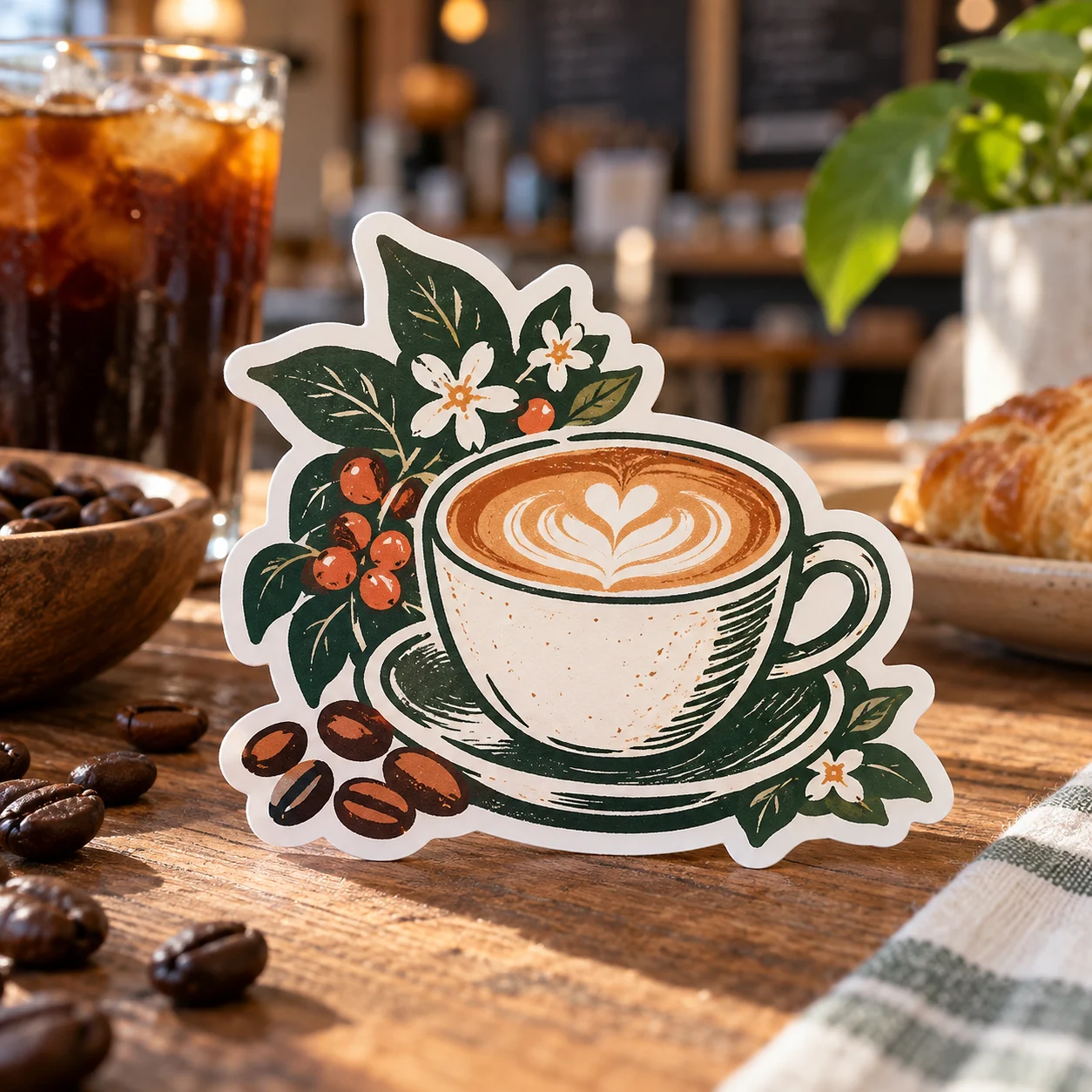
Open the product to choose the available dimensions, options and current price. Each item is sold separately.
Measure the usable label area with the box fully assembled.
Choose sizes & see pricing ↗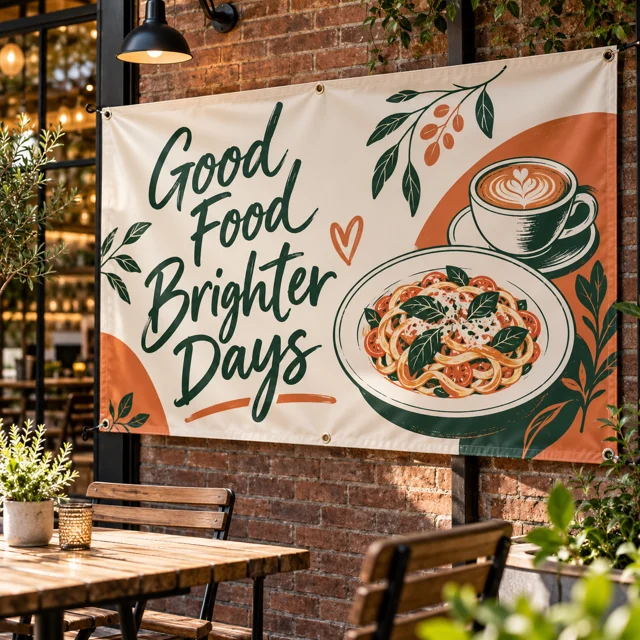
Make the order deadline and pickup date easy to distinguish.
Choose sizes & see pricing ↗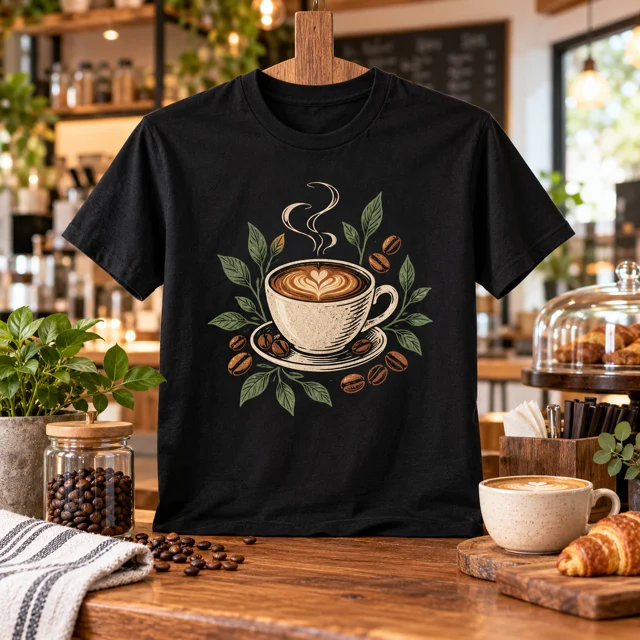
Collect the actual staff size/color mix.
Choose sizes & see pricing ↗Compare the use before choosing sizes and current pricing.
| What you need | Start with | Check before ordering |
|---|---|---|
| Branding that can stay across different menus | Die-Cut Sticker ↗ | Keep the artwork free of dates that will expire. |
| A dated preorder announcement | Vinyl Banner ↗ | Distinguish the order deadline from the collection date. |
| Customers need to identify counter staff | Custom Unisex T-Shirt ↗ | Review the logo against each selected garment color. |
Separate evergreen bakery branding from dated holiday or preorder artwork.
Measure the closed box and leave required package information visible.
Proofread the order deadline, pickup window and booking destination on the event layout.
An evergreen logo sticker can stay useful across several products, while pickup dates belong on a separate event layout or approved information label. At small sizes, prioritize the bakery name. Test the actual sticker dimensions on the closed box so folds and edges do not hide the design.
Read the practical print guide ↗Adjust this example to make your own checklist. Nothing is added to your cart until you choose a product and order it.
Measure the box before choosing the sticker dimensions. Quantities are planning examples, not a fixed bundle.
Planning only: no price, reserved stock or promised delivery date. A line’s quantity counts that product’s units (for example, transfer pieces or shirts). Enter separate size/color lines on the product page. Eligible quantity discounts are confirmed in the cart by garment model; they are not calculated from this mixed-product total.Same-day production is available for paid, print-ready orders before 2 PM Central Time on business days, excluding holidays and shop closures. Shipping time is additional. An order needing corrected artwork cannot begin production until usable files arrive. Review the carrier options in checkout or choose Houston pickup and wait for your ready message.
Shipping & pickup details ↗The photos illustrate possible uses; props and example artwork are not included with a standard product. Upload your own artwork or choose a design offered in the product’s approved design library. Review the placement and print dimensions before ordering.
See our printing specifications and file preparation guide. Your available upload formats and print options appear in the product editor. After ordering, use My account & orders to check your order.
Choose the product, set your options and bring your own artwork.
Start my order ↗Ask our Houston team ↗